Practice list
Practice shortcuts and commands for each application intuitively, with a live preview. Every app supports both Windows and Mac, and most automatically detect your OS to show the right questions.
-
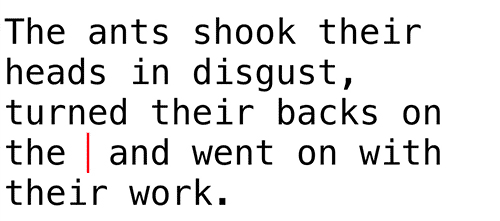
TEXT
Practice text-editing shortcuts for Windows and Mac. Learn shortcuts for things like input conversion and cursor movement that work across many different apps.
-
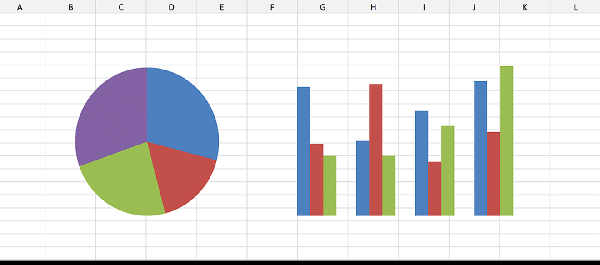
Excel
Master the Excel shortcuts every business user needs. Most of them let you skip the mouse entirely, so learning them can dramatically speed up your work.
-
PowerPoint
Learn the shortcuts for PowerPoint, the standard business tool for presentations and documents. A must if creating slide decks is a big part of your job.

-
VS code
Learn the shortcuts for Visual Studio Code (VS Code), Microsoft's powerful source code editor. With so many shortcuts available, there's plenty to master.
-
Atom
Learn the shortcuts for Atom, the source code editor built by GitHub. It shares a lot of functionality with VS Code, but many of the shortcuts differ slightly.
-
VIM
Vim has a steep learning curve, but once you know it, you can code at incredible speed. Learn its commands efficiently and enjoyably, from the basics to advanced techniques.
-
terminal
Learn the basics of the terminal, the application used to control a computer system through a command-line interface.

-
Git
Learn the basic commands of Git, the source code version control tool. Practice everything from basics like init, add, and commit to branching and working with remotes.
🌿 -
Claude Code
Learn the basics of Claude Code, Anthropic's AI coding agent. Practice slash commands and keyboard shortcuts in an interface that closely resembles a real terminal.
🤖 -
Photoshop
Photoshop is Adobe's essential bitmap image editing tool for web designers and photographers alike. Master its shortcuts here.

-
Figma
Learn the shortcuts for Figma, the cloud-based design tool built for UI/UX design, prototyping, and collaboration. With so many shortcuts available, you can expect a real boost to your workflow.
-
Word
Word is well suited for writing papers, contracts, and other documents, with rich heading and proofreading features. Learn the shortcuts worth knowing.
-
WordPress
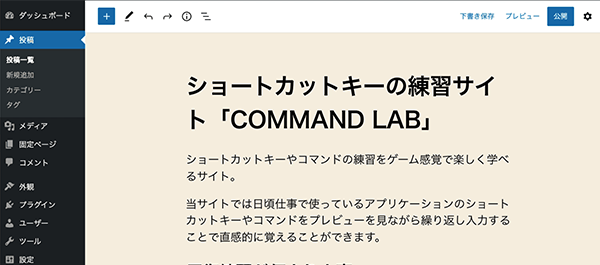
WordPress is a CMS for building blogs easily, used all over the world. It offers plenty of shortcuts for creating posts and pages — learning them makes writing your blog much smoother.
-
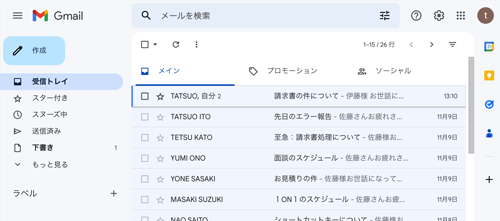
Gmail
Gmail is one of the world's most widely used email services. It comes with plenty of keyboard shortcuts that can make handling email dramatically faster once you know them.